Rooted in your world
Choose a place for its local weather and daylight. Seasonal scenery changes around Pebble, with snow following the weather.
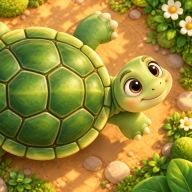 Pebble’s Day
A small world. A slower moment.
Meet Pebble, a small tortoise in a living 3D garden. A quiet corner that changes with the weather, the seasons, and the light outside.
Step into the gardenComing soon · Free for iPhone & iPad
a little company
for your day
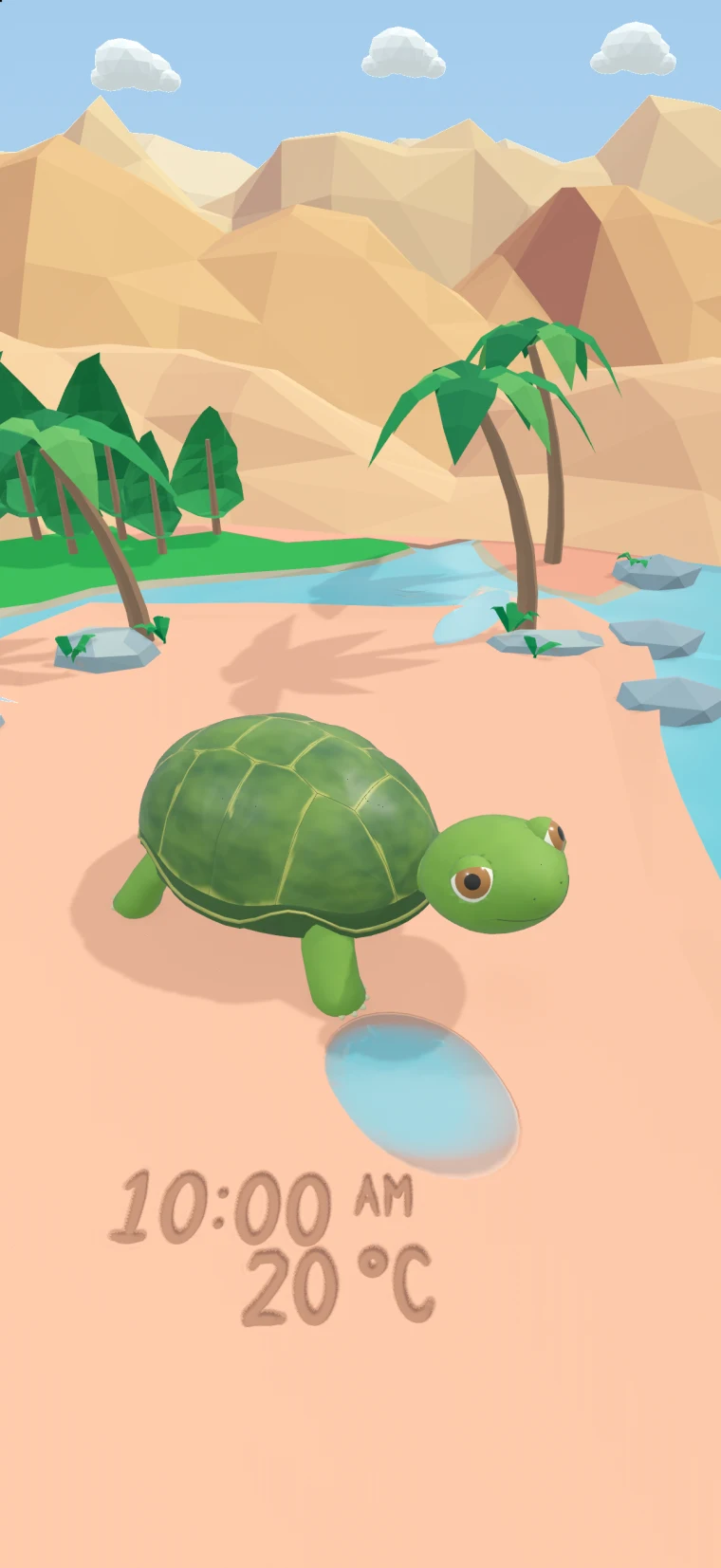
An actual moment in the app.
01 / A world that follows yours
Sunlight across the valley. Rain on the water. A soft glow after dark. Choose a moment to look around.
Captured in the app’s weather preview. These are scenes to explore, not a live forecast.
02 / Nothing to keep up with
There is no feeding timer, no care schedule, and no account to create. Open the garden for a little company, then carry on with your day.
Choose a place for its local weather and daylight. Seasonal scenery changes around Pebble, with snow following the weather.
A wandering tortoise, a quiet pool, and light moving through the valley. Double-tap whenever you want weather and settings.
Choose Gentler motion in Garden settings. Pebble’s Day also respects your device’s Reduce Motion setting.
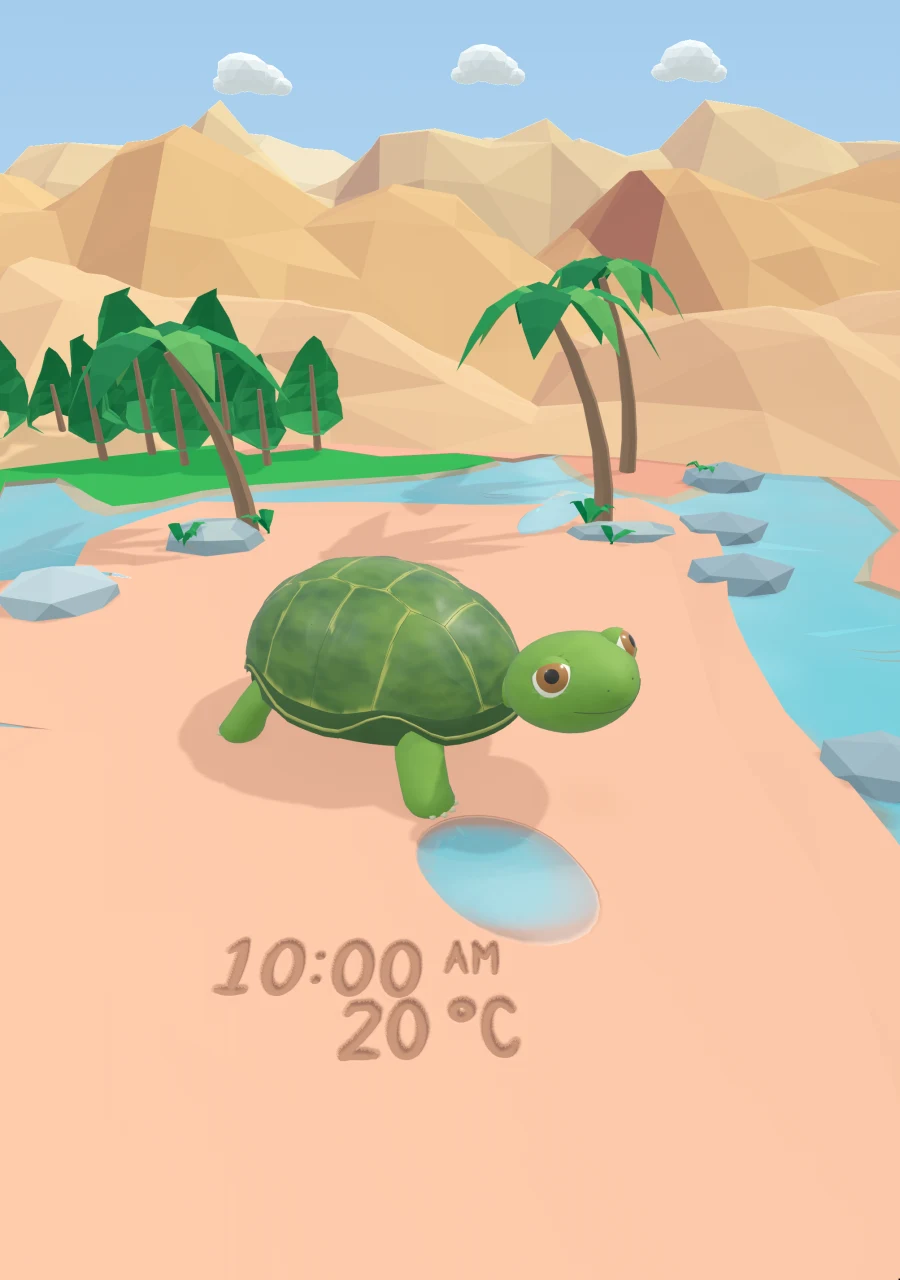
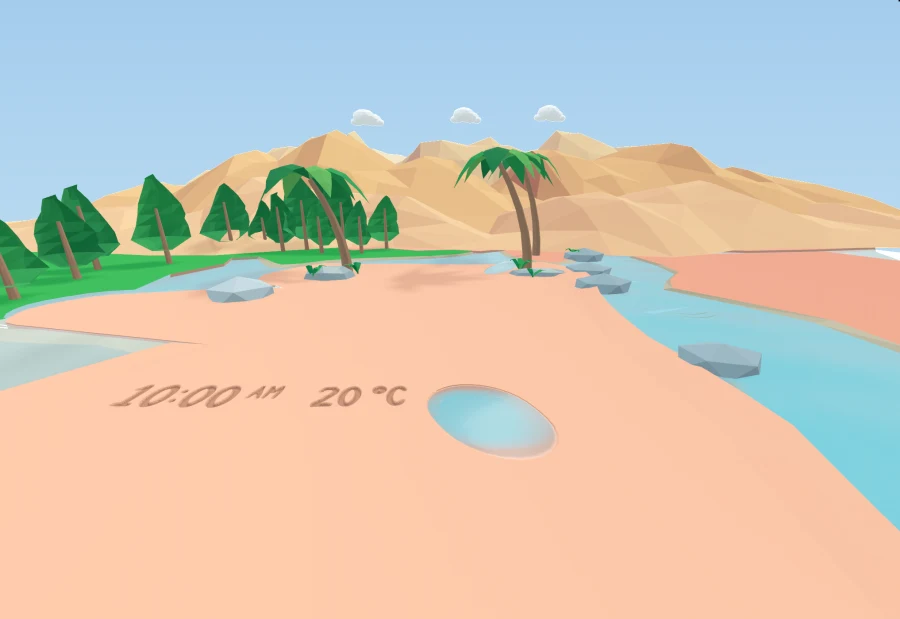
03 / Made for iPhone Duo
The garden adapts as you fold and unfold iPhone Duo, with layouts for both the inner and outer displays. The same quiet corner, shaped to the moment.
Duo folding features require iOS 27.1.
Also designed for iPhone and iPad on iOS 27 or later.
04 / Simple by nature
Choose a place manually, or allow a one-time current-location request. Your preferences and last weather reading stay on your device.
Weather requests send the selected coordinates to Open-Meteo; place search uses Apple Maps services. No account, advertising, or tracking across other companies’ apps.
Read the app privacy policyA little help in the garden
Double-tap the garden, or use the accessible World controls action. From there, choose your place, open Garden settings, or try a weather preview.
No. You can search for a place manually. If you choose Use current location, the app requests a one-time fix rather than continuously monitoring your location.
The garden can keep the last successful weather reading. An internet connection is needed to fetch fresh weather or search for a new place.
After dark, touch and drag in the garden to aim the light. Lift your finger to let it fade.
Meet you in the garden.
Coming soon, free for iPhone and iPad.
Made with care by Faberon Labs.